
Steps
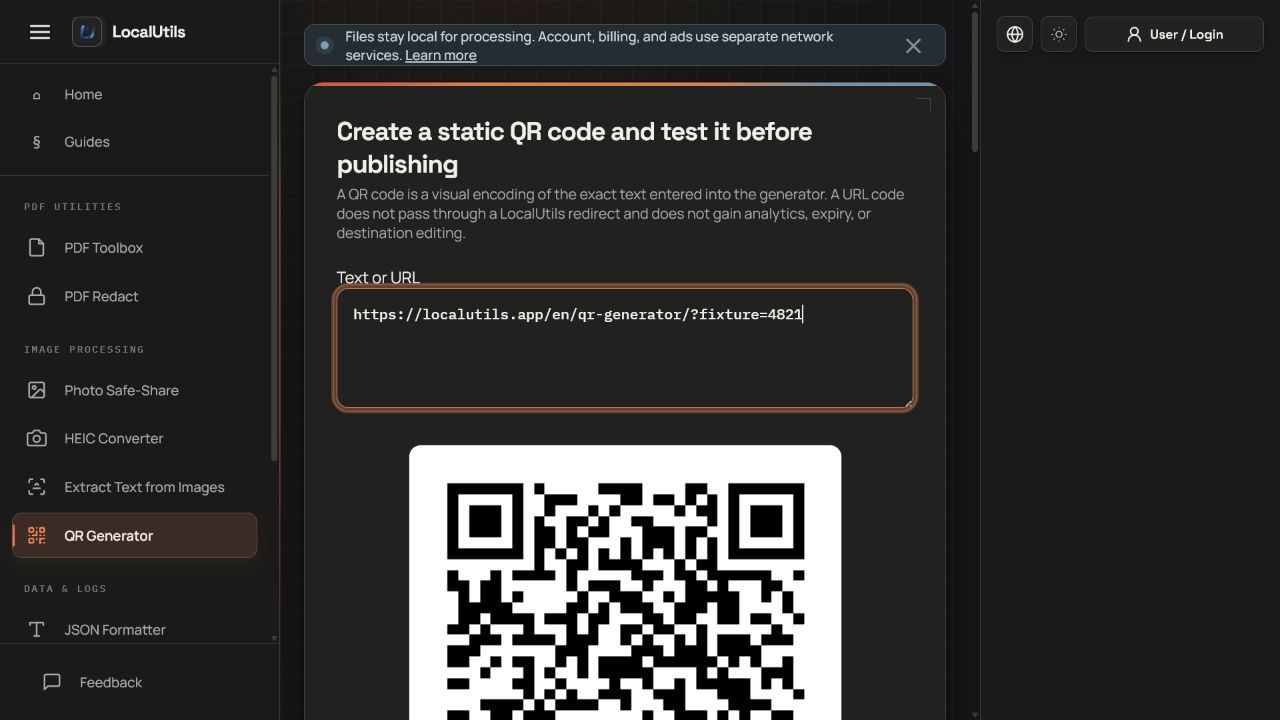
- Enter the final text or URL, including the intended https scheme and any query parameters.
- Generate the code at a size suitable for its final use rather than enlarging a tiny screenshot later.
- Download the PNG and place it on a plain, high-contrast background with clear space around every edge.
- Test from multiple distances with more than one camera application, then verify the decoded destination before printing or publishing.
Supported formats
- Input: a text string, commonly a URL, contact value, identifier, or short instruction.
- Output: a PNG image containing a static QR code.
- The tool does not create editable dynamic links or collect scan statistics.
Things to know
- Long payloads create dense codes that need more pixels and physical space.
- A generated code cannot correct a misspelled or unsafe destination.
- Screenshots and design overlays can blur or cover essential modules.
- QR codes reveal their payload to scanners and should not contain passwords or private credentials.
Troubleshooting
- If scanning is unreliable, increase rendered size and quiet space before changing anything else.
- Use dark modules on a light background and avoid reflective or patterned surfaces.
- If a URL opens the wrong page, decode the PNG and compare the complete string, including redirects and tracking parameters.
Common questions
Can I change the destination later?
Not in a static QR code. Changing the payload requires generating and distributing a new image.
Does LocalUtils track scans?
No tracking or redirect service is part of this generator. A destination website may still record normal visits.
Why does more text make the pattern denser?
The code must encode more data and error-correction information, so it needs more modules and a larger reliable output.
Test results
Test results
qr-reliability-study
Tested
Recorded environment
- Browser
- Google Chrome 150.0.7871.182
- OS
- Windows 11
- App revision
86b9bd1+working-tree
Exact test method
Generate all three payloads with the production 400-pixel and two-module-margin settings, then decode the clean PNGs and resized copies.
Independent check
Decode with an independent QR reader rather than the generation library.
Synthetic fixtures
dense-text.png11.9 KB · Synthetic fixture · CC0 1.0
0f88081170b72ef9…Download fixture ↓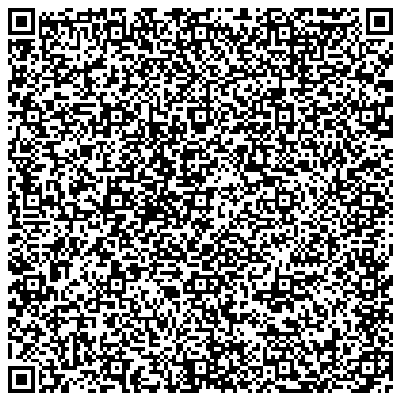
expected-results.json1.4 KB · Synthetic fixture · CC0 1.0
01bafb4bb98b8c18…Download fixture ↓payloads.json1.2 KB · Synthetic fixture · CC0 1.0
096ae67349ef6cd1…Download fixture ↓short-text.png1.9 KB · Synthetic fixture · CC0 1.0
3438c3df48f7f724…Download fixture ↓
url.png2.8 KB · Synthetic fixture · CC0 1.0
01ad298807f2cdec…Download fixture ↓
Recorded observations
| Measure | Expected | Observed | Status |
|---|---|---|---|
clean_payloads_decoded | 3/3 | 3/3 | Matched |
width_pixels | 400 | 400 | Matched |
margin_modules | 2 | 2 | Matched |
Scope limits
Digital decoding does not represent every phone camera, print process, glare condition, or damaged surface.