
Steps
- Add a PDF and wait for page previews to render.
- Open each page that contains sensitive material and draw boxes slightly beyond the full area that must disappear.
- Review every page at useful zoom, including headers, footers, repeated identifiers, attachments, comments, and pages with no marks.
- Export the rebuilt PDF, reopen it in another viewer, search for the removed text, and inspect document properties before sharing.
Supported formats
- Input: a PDF that PDF.js can render.
- Marks: rectangular regions drawn on page previews.
- Output: a PDF with rasterized marked pages and copied unmarked pages.
Things to know
- The tool cannot know whether every sensitive area was marked.
- Unmarked pages are copied, so their original text, metadata, annotations, and attachments require separate review.
- Rasterized pages lose selectable text and may be less accessible.
- A visual black box can hide too little if the mark does not cover the complete glyph or surrounding context.
Troubleshooting
- If text appears outside a box, enlarge the mark and export again.
- If a page looks soft, compare the output at normal reading zoom; rasterization trades editability for destructive flattening.
- If the PDF contains forms, signatures, layers, or attachments, use a dedicated PDF security workflow and inspect those objects separately.
Common questions
Can the tool find sensitive text automatically?
No. The user chooses every rectangle. Detection and legal sufficiency remain the user's responsibility.
Is the result suitable for every legal disclosure?
No universal claim is possible. Requirements vary, and complex documents may need specialist review or approved redaction software.
Why are only marked pages flattened?
Copying unmarked pages preserves their quality and features, while marked pages are rebuilt to remove the covered source content.
Test results
Test results
pdf-redact-study
Tested
Recorded environment
- Browser
- Google Chrome 150.0.7871.182
- OS
- Windows 11
- App revision
86b9bd1+working-tree
Exact test method
Cover the SECRET token on page one, leave page two unmarked, export, then try text selection and extraction on both pages.
Independent check
Inspect the exported page content in a second PDF viewer and with PDF.js text extraction.
Synthetic fixtures
expected-results.json297 B · Synthetic fixture · CC0 1.0
4a05830e93af0cd2…Download fixture ↓redaction-sample.pdf1.5 KB · Synthetic fixture · CC0 1.0
a117eb12bf69ad5d…Download fixture ↓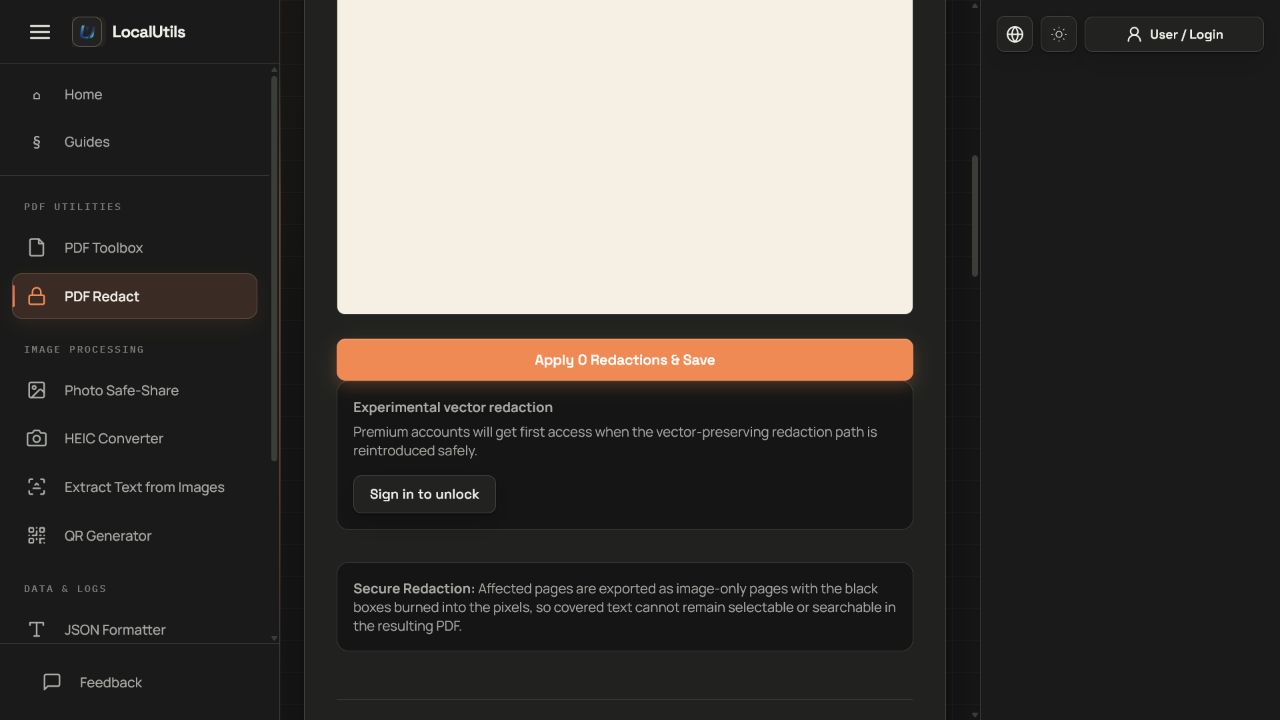
Recorded observations
| Measure | Expected | Observed | Status |
|---|---|---|---|
marked_page_text_objects | 0 | 0 | Matched |
unmarked_control_token | PUBLIC-CONTROL-7152 | PUBLIC-CONTROL-7152 | Matched |
marked_page_representation | raster_image | raster_image | Matched |
Scope limits
Only marked pages are rebuilt as raster pages; document-level objects and unmarked pages require separate review.