
Steps
- Choose a JPEG copy rather than the only original.
- Review the metadata groups shown by the tool, especially GPS, date, device, description, and software fields.
- Select the groups to remove and generate the cleaned JPEG.
- Download the output, reopen it in a metadata inspector and image viewer, and compare orientation, color, dimensions, and visible content.
Supported formats
- Input: JPEG/JPG images supported by the browser and metadata libraries.
- Output: a JPEG with selected EXIF groups removed.
- The tool is not a general PNG, RAW, TIFF, or video metadata editor.
Things to know
- Visible information remains visible even after metadata is removed.
- Metadata outside supported EXIF structures may remain.
- Re-encoding or metadata rewriting can affect orientation or application-specific color handling.
- Social platforms may create additional copies with their own processing rules.
Troubleshooting
- If the image opens rotated, compare the orientation tag and visible output before sharing.
- If no metadata appears, the source may already be stripped or may use an unsupported container.
- If exact archival fidelity matters, preserve the original and use the cleaned copy only for sharing.
Common questions
Does removing GPS make a photo anonymous?
No. People, buildings, signs, timestamps, filenames, and visual context can still identify a place or person.
Does the tool modify the original file?
It creates a new downloadable result. Keep the original separately if you need archival metadata.
Can it clean every image format?
No. The implemented metadata workflow targets JPEG images and supported EXIF structures.
Test results
Test results
photo-metadata-study
Tested
Recorded environment
- Browser
- Google Chrome 150.0.7871.182
- OS
- Windows 11
- App revision
86b9bd1+working-tree
Exact test method
Inspect the synthetic JPEG, use Strip All EXIF, download the result, then reopen it in the tool and compare visible pixels.
Independent check
Read the original and output with a second EXIF parser.
Synthetic fixtures
metadata-sample.jpg32.9 KB · Synthetic fixture · CC0 1.0
fc9d6587811cc9c1…Download fixture ↓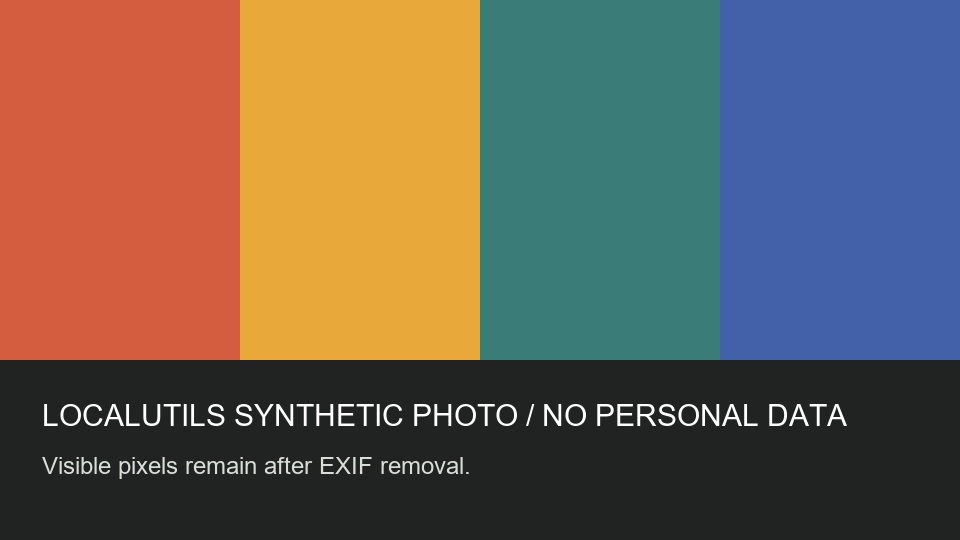
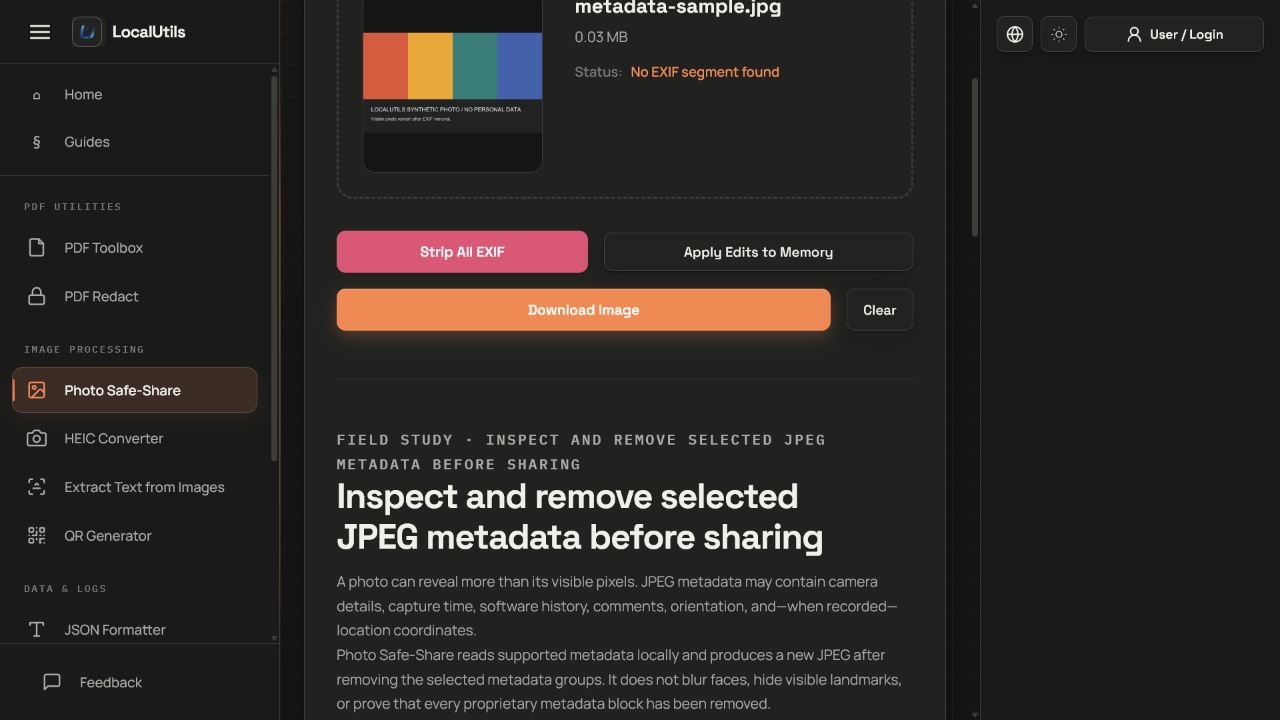
Recorded observations
| Measure | Expected | Observed | Status |
|---|---|---|---|
source_exif_groups | 0th,Exif,GPS | 0th,Exif,GPS | Matched |
output_exif_segment | absent | absent | Matched |
visible_test_caption | present | present | Matched |
Scope limits
The check covers supported JPEG EXIF structures, not every proprietary metadata container or visible identifier.