
Steps
- Identify whether the source is plain UTF-8 text, Base64, or hexadecimal before choosing a direction.
- Paste a small known sample and convert it once.
- Reverse the conversion and compare the recovered text or bytes with the original.
- When using the result in another system, confirm its alphabet, padding, byte encoding, and expectations for line breaks or prefixes.
Supported formats
- Text input and output use UTF-8 expectations.
- Base64 uses the standard alphabet and may include equals-sign padding.
- Hexadecimal requires pairs of valid hex digits representing bytes.
Things to know
- Arbitrary binary data may not decode to meaningful UTF-8 text.
- URL-safe Base64 variants can use different characters and padding rules.
- Odd-length or non-hex characters make hexadecimal invalid.
- Large values expand in Base64 or hex and can make a text-area workflow inefficient.
Troubleshooting
- If Base64 decoding fails, remove surrounding labels and check whether the source uses a URL-safe alphabet.
- If text is garbled, confirm the original byte encoding rather than assuming UTF-8.
- If hex fails, remove spaces or prefixes only when the destination format does not require them and confirm an even digit count.
Common questions
Is Base64 encryption?
No. It is a public encoding that can be reversed without a secret key.
Why is Base64 longer than the original?
It represents each group of binary bytes with printable characters, adding roughly one third plus optional padding.
Can this convert any file?
The interface is designed for text-sized values. Large or arbitrary binary files need a streaming file encoder and an output workflow that preserves bytes.
Test results
Test results
base-encoding-study
Tested
Recorded environment
- Browser
- Google Chrome 150.0.7871.182
- OS
- Windows 11
- App revision
86b9bd1+working-tree
Exact test method
Encode four Unicode strings to Base64, Base64URL, and hexadecimal, then reverse every value through the production converter.
Independent check
Compare the UTF-8 bytes and encodings with Node.js Buffer.
Synthetic fixtures
vectors.json549 B · Synthetic fixture · CC0 1.0
0616d04879538f2b…Download fixture ↓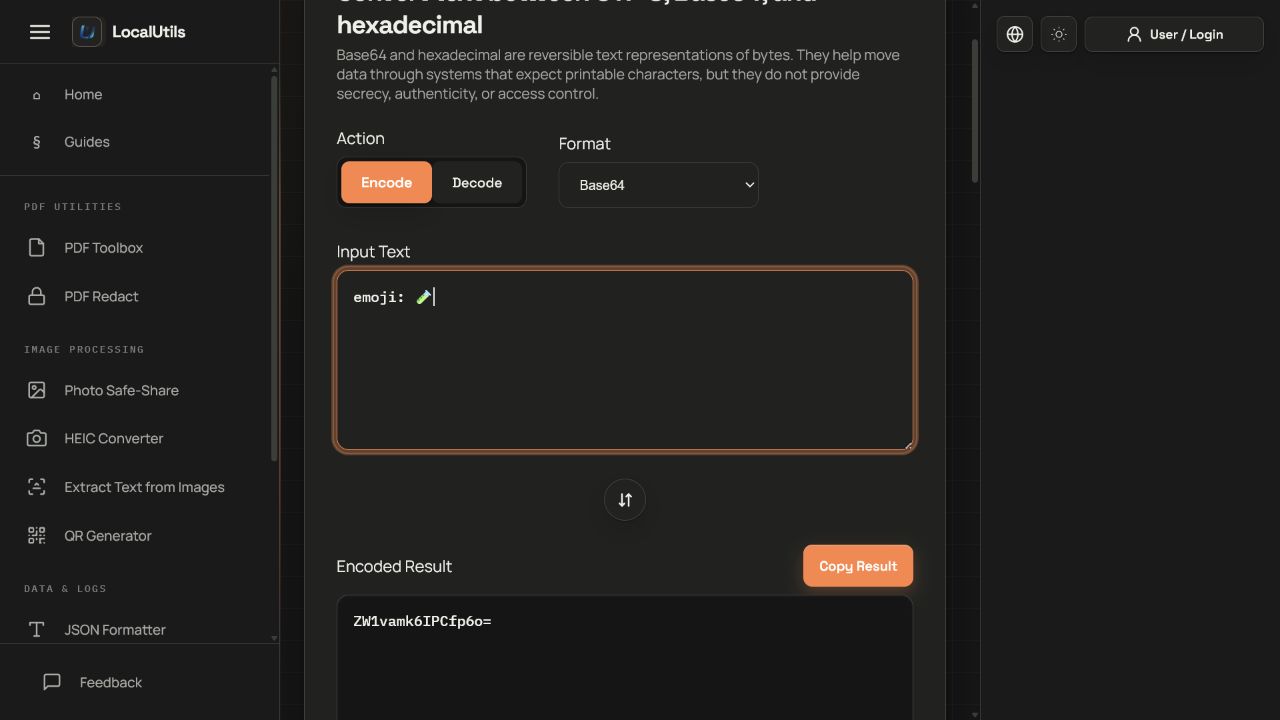
Recorded observations
| Measure | Expected | Observed | Status |
|---|---|---|---|
unicode_vectors | 4 | 4 | Matched |
base64_round_trips | 4/4 | 4/4 | Matched |
base64url_round_trips | 4/4 | 4/4 | Matched |
hex_round_trips | 4/4 | 4/4 | Matched |
Scope limits
The interface converts text through UTF-8; it is not a general binary-file encoder and encoding does not encrypt data.